

UserGuiding is great for getting started. But if you’re trying to build sophisticated, AI-powered, behavior-driven onboarding at scale? You’ve outgrown it. UserGuiding lags on value for money and flexibility; Product Fruits offers more features, unlimited quotas, and stronger support at a lower price.
–
UserGuiding shortcomings
Why Product Fruits is the better UserGuiding alternative
Product Fruits is a more cost‑effective, fully featured, and better‑supported alternative to UserGuiding, particularly on scalability (no hard caps), branding/customization, and user‑rated value.
Let me show you exactly where UserGuiding falls short, what makes Product Fruits different, and—most importantly – whether switching will actually move your activation, retention, and support deflection metrics.
Let’s start with what real users are saying. These aren’t theoretical complaints—they’re actual pain points from Capterra, G2, and TrustRadius reviews:
The Problem: “The onboarding guides are pretty limited in complexity. There are no conditionals or ways to make something different from linear guides. Once your user performs an action that wasn’t foreseen, your guide is gone.” (Capterra Reviews)
Real Impact: You can’t build adaptive guides that respond to user behavior. If a power user skips Step 2, your entire guide breaks. No conditional logic = no sophisticated onboarding.
The Problem: “The actual experience of adjusting settings, look and feel can be a bit cumbersome. The preview of a step within a guide looks quite different to the version that will be rendered on the preview so you need to keep swapping back and forth between the two views.” (Capterra Reviews)
“The overwhelming number of options can trigger decision fatigue, turning basic editing tasks into complex puzzles. The Chrome extension-based editor creates a disconnected workflow as users constantly switch between screens and modes.” (GetApp Reviews)
Real Impact: What should take 10 minutes takes an hour. Every edit requires switching between builder mode, preview mode, and live mode – killing productivity.
The Problem: “The guides themselves did not interact well with our app. Ultimately this is why we do not really use UserGuiding anymore because the guides were more cumbersome than they were helpful.” (Capterra Reviews)
Real Impact: If your app has dynamic content, modals, or complex UI states, UserGuiding’s guides often conflict with your product’s behavior. You end up fighting the tool.
The Problem: “The most significant issue has been the price and plan structure, as the tool is becoming expensive without corresponding product advancement, with limits even on the number of surveys or guides.” (GetApp Reviews)
Real Impact: Basic plan caps you at 20 guides, 20 tooltips, 1 help center, and 1-2 domains. For scaling SaaS companies, you hit these limits fast – forcing expensive upgrades.
The Problem: “UserGuiding is lagging behind other competitors and their main differential – price – isn’t that different anymore.” (Capterra Reviews)
Real Impact: UserGuiding hasn’t kept pace with AI-powered competitors. What used to be their pricing advantage has eroded while competitors added advanced AI features beyond basic support chatbot.
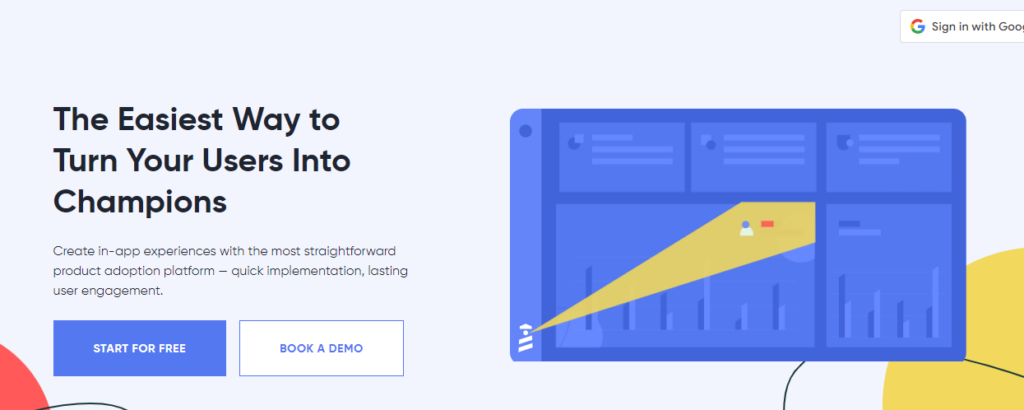
Before we dive into alternatives, let’s acknowledge where UserGuiding genuinely delivers:
UserGuiding has a low learning curve. Non-technical teams can build basic guides quickly without coding. Setup is straightforward, and you can launch your first tour in hours.
The Chrome extension-based builder lets product marketers and PMs create onboarding flows without waiting on engineering. For simple linear guides, it works well.
UserGuiding covers the basics:
For teams just starting with user onboarding, UserGuiding checks the foundational boxes.
Users consistently praise UserGuiding’s customer support team. They respond quickly via email and chat, helping resolve issues and answer questions. (G2 Reviews)
At $69/month for the Basic plan (up to 2,000 MAUs), UserGuiding is accessible for early-stage startups testing onboarding tooling.
If you need basic linear guides for straightforward products with predictable user paths, UserGuiding delivers solid results without overwhelming complexity.
Here’s why product teams hit UserGuiding’s ceiling:
You can’t build adaptive guides that respond to user behavior. Every guide is linear: Step 1 → Step 2 → Step 3. If users skip a step or take an alternate path, your guide breaks.
Real Impact: Power users get frustrated by irrelevant steps. New users who explore on their own lose guidance entirely.
Even on paid plans, you’re capped at:
Real Impact: Scaling SaaS companies outgrow these limits within months, forcing expensive mid-tier upgrades.
UserGuiding lacks:
Real Impact: Building and maintaining tours is manual, time-consuming, and doesn’t scale. Support tickets stay high because there’s no AI to deflect them.
What you see in the builder often looks different live. You may be forced to constantly switch between preview mode and live testing.
Real Impact: Every edit requires 3x the time – build, preview, test live, iterate.
If your app has:
UserGuiding’s guides may conflict with these interactions.
Real Impact: Guides break, overlap with UI elements, or disappear when they shouldn’t.
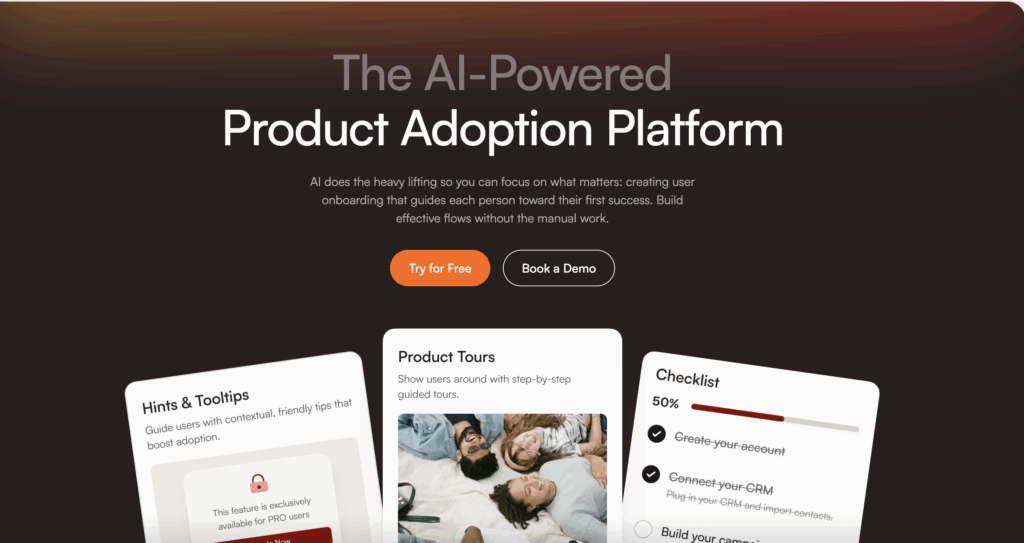
Here’s what makes Product Fruits fundamentally different—and why teams switching see measurable lift:
UserGuiding: Caps you at 20 guides, 20 tooltips, 1 help center—even on paid plans.
Product Fruits: Unlimited tours, hints, tooltips, help centers, and domains from Day 1.
Real Impact: Build as many guides as you need without hitting arbitrary limits. Scale without forced upgrades.
UserGuiding: You manually build every guide, step-by-step. No AI assistance.
Product Fruits: Elvin AI generates tours automatically:
UserGuiding: AI assistant, answers questions, can launch pre-built content, but no ability to generate dynamic tours.
Product Fruits: **Elvin Copilot resolves 60%+ of support questions automatically** by pulling answers from your knowledge base and building dynamic tours when ńeeded.
Real Results achieved by Product Fruits clients:
UserGuiding: Linear guides.
Product Fruits: Triggers and conditional logic let you build adaptive guides that respond to user actions:
Real Impact: Power users don’t waste time on basic steps. New users get guidance that adapts to their pace.
UserGuiding: $174/month (2,000 MAUs) with 20-guide limit. Value for Money: 4.6/5 (Capterra)
Product Fruits: $96/month (1,500 MAUs) with unlimited guides. Value for Money: 4.9/5 (Capterra)
Real Impact: Better features at lower cost – especially as you scale and need more guides.
UserGuiding: Quality of Support: 9.5/10 (G2)
Product Fruits: Quality of Support: 9.9/10 – winner of G2 “Best Support” and “Best Relationship” awards (G2 Comparison)
Migration Support: Product Fruits provides dedicated customer success managers to migrate your existing UserGuiding content without business disruption.
UserGuiding: Preview looks different from live version – constant context-switching required.
Product Fruits: What you see is what you get. Build, preview, and publish with confidence – no surprises.
Real Impact: Cut tour creation time in half. Ship updates in minutes, not hours.
UserGuiding: Limited mobile support with reported customization issues.
Product Fruits: Automatically adapts tours to screen sizes. Build once, deploy everywhere—desktop, tablet, mobile.
Real Impact: No need to duplicate or rebuild guides for mobile users.
UserGuiding: 1-2 domains on Basic/Pro plans. Additional seats cost extra.
Product Fruits: Unlimited seats and domains from Day 1.
Real Impact: Onboard your entire product, CS, and marketing teams without per-seat costs. Support multiple products or white-label offerings without restrictions.
| Feature | Product Fruits | UserGuiding |
|---|---|---|
| Pricing (2,000 MAUs) | $99-199/month | $174/month |
| Guide Limits | ✅ Unlimited | ❌ 20 guides |
| Tooltip Limits | ✅ Unlimited | ❌ 20 tooltips |
| Domains | ✅ Unlimited | ❌ 1-2 |
| Team Seats | ✅ Unlimited | ⚠️ Limited |
| AI-Generated Tours | ✅ Elvin AI | ❌ Manual only |
| Segmentation | ✅ Advanced | ⚠️ Basic attributes |
| Preview Accuracy | ✅ WYSIWYG | ⚠️ Mismatch issues |
| Custom CSS | ✅ Full control | ⚠️ Limited |
| Feedback Collection | ✅ Built-in widget | ✅ NPS surveys |
| Setup Time | 1-2 weeks | 1-2 weeks |
| Ease of Use (G2) | 8.9/10 | 8.6/10 |
| Ease of Setup (G2) | 8.8/10 | 8.6/10 |
| Quality of Support (G2) | 9.9/10 🏆 | 9.5/10 |
| Value for Money (Capterra) | 4.9/5 🏆 | 4.6/5 |
| Free Trial | ✅ 14 days, no credit card | ✅ Available |
Switch to Product Fruits if:
UserGuiding makes sense if:
If these criteria fit, UserGuiding can deliver baseline onboarding results at an accessible price point.
Unlimited Creation:
AI-Powered Automation:
Support Deflection:
Seamless Experience:
Design & Customization:
Activation & Onboarding:
Support Deflection:
Retention & Satisfaction:
Efficiency Gains:
ROI:
Week 1: Setup & Knowledge Base
Week 2: AI Tour Generation
Week 3: Measure Lift
Week 4: Scale to 100%
By Day 30: You’ll see measurable activation lift, ticket reduction, and faster time-to-value—with unlimited guides and no arbitrary caps.
“Quick user onboarding with Product Fruits”
“We switched from UserGuiding and immediately noticed the difference. Unlimited guides meant we could finally build onboarding for every user segment without hitting caps. Elvin AI cut our tour creation time in half.”
– Karmen R., UX Designer (G2 Review)
“Product Fruits is so easy to use”
“The WYSIWYG editor is a game-changer. No more preview vs. live mismatches like we had with UserGuiding. What we build is what users see—every time.”
– Amanda E., Director of Customer Support (G2 Review)
Real Case Study Results:
If you’re reading this, you already know UserGuiding isn’t delivering the results you need. Here’s the decision framework:
For scaling SaaS teams: Yes. Product Fruits delivers:
UserGuiding works for basic linear onboarding with under 2K MAUs. Product Fruits is built for teams scaling sophisticated PLG motion.
| MAUs | Product Fruits | UserGuiding |
|---|---|---|
| 1,500 | $99-199/month | $129/month |
| 2,000 | $129-199/month | $174/month |
| 5,000 | $249-349/month | $300+/month |
| 10,000 | $339-499/month | $400+/month |
Product Fruits delivers better value – unlimited guides and AI features at comparable (often lower) pricing.
1-2 weeks with dedicated customer success manager support. Product Fruits’ team helps migrate existing UserGuiding content without business disruption. You can run both platforms in parallel during testing.
Night and day difference:
Result: 35% adoption jump, 50% faster tour creation, no maintenance burden.
They drop significantly:
Week 1-2: Setup complete, first AI tours live Month 1-2: Early lift—35% adoption jump, 32% faster onboardingMonth 3+: Compounding gains as Elvin learns user behavior
Average ROI timeline: 6 weeks (ticket reduction + conversion lift covers subscription cost)
14-day free trial, no credit card required. Test Product Fruits alongside UserGuiding. If it doesn’t outperform on activation, time-to-value, and support deflection, you’ve lost nothing.
But 1,000+ companies have proven results: 64% activation rates, 32% retention improvement, 70% churn reduction.
Here’s the reality: UserGuiding was built for basic onboarding – not sophisticated PLG at scale.
You shouldn’t be stuck with:
Product Fruits gives you:
The switch isn’t a gamble – it’s a data-driven upgrade.
Try Product Fruits free for 14 days. Run it alongside UserGuiding. Measure the lift. Then decide based on your metrics—not marketing claims.
If Product Fruits doesn’t outperform on activation, time-to-value, and support deflection, you’ve lost nothing. But if it delivers 32% faster onboarding, 35% adoption lift, and 30% fewer tickets and similar results for 1,000+ companies – you’ll wonder why you didn’t switch sooner.
👉 Start your free trial of Product Fruits (no credit card required)